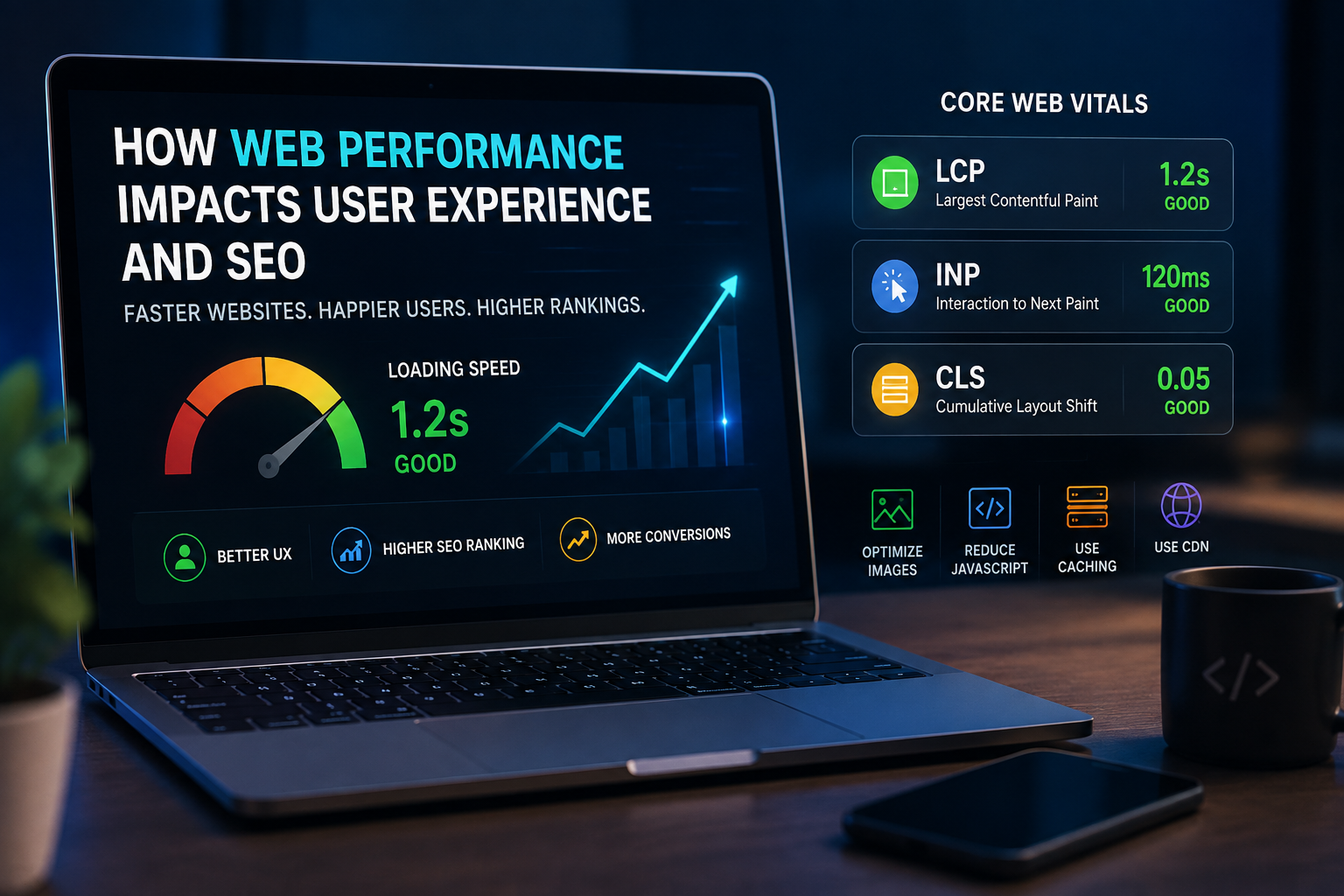
A beautiful website is not enough anymore. Users expect websites to load quickly, respond instantly, and work smoothly across desktop and mobile devices.
This is where web performance becomes an important part of modern web development.
Website performance affects much more than loading speed. It influences user experience, search visibility, conversions, accessibility, and even how users perceive a brand.
In this article, we’ll explore why performance matters and what developers can do to build faster websites.
What Is Web Performance?
Web performance refers to how quickly and efficiently a website loads, responds to user interactions, and displays its content.
Several factors contribute to performance, including:
- Server response time
- Image size
- JavaScript execution
- CSS delivery
- Font loading
- Third-party scripts
- Network conditions
- Browser rendering
A website that loads quickly and responds smoothly creates a much better experience for visitors.
Why Website Speed Matters
Users don’t want to wait for a website to load.
When a page takes too long to display useful content, visitors are more likely to leave before interacting with it.
A faster website can help improve:
- User engagement
- Conversion rates
- Page views
- Customer satisfaction
- Mobile experience
- Search performance
Performance is therefore both a technical concern and a business concern.
Web Performance and SEO
Search engines consider page experience and performance as part of their ranking systems.
This means developers should think about SEO while building the website rather than trying to optimize performance after everything has already been developed.
Important performance measurements include Core Web Vitals, which focus on aspects such as loading performance, responsiveness, and visual stability.
A technically optimized website gives search engines and users a better experience.
Core Web Vitals
Core Web Vitals provide developers with useful measurements for understanding real-world website performance.
Some important concepts include:
Largest Contentful Paint
Largest Contentful Paint, commonly called LCP, measures how quickly the main content of a page becomes visible.
A slow LCP can make a website feel slow even if other parts of the page have already loaded.
Interaction to Next Paint
Interaction to Next Paint, or INP, focuses on how quickly a page responds to user interactions.
Buttons, menus, forms, and other interactive elements should respond quickly when users interact with them.
Cumulative Layout Shift
Cumulative Layout Shift, or CLS, measures unexpected movement of content while a page is loading.
For example, if a button suddenly moves because an image loads above it, users may accidentally click the wrong element.
How Developers Can Improve Performance
There are several practical techniques developers can use to improve website performance.
Optimize Images
Large images are one of the most common causes of slow websites.
Developers should:
- Use modern image formats
- Compress large images
- Serve appropriately sized images
- Lazy-load images when appropriate
- Avoid unnecessarily large assets
Frameworks such as Next.js also provide image optimization features that can simplify this process.
Reduce Unnecessary JavaScript
JavaScript can provide powerful functionality, but sending too much JavaScript to the browser can negatively affect performance.
Developers should avoid loading code that users don’t immediately need.
Code splitting and dynamic imports can help reduce the initial JavaScript payload.
Use Caching
Caching allows frequently requested resources to be reused instead of generated or downloaded repeatedly.
Useful caching strategies can be implemented at several levels:
- Browser caching
- CDN caching
- Server caching
- API caching
- Database caching
A good caching strategy can significantly reduce response times.
Performance on Mobile Devices
Mobile users may have slower networks and less powerful hardware than desktop users.
That’s why a website that performs well on a high-end development machine may still feel slow on a mobile device.
Developers should test websites on realistic mobile devices and network conditions instead of relying only on desktop testing.
Performance Is an Ongoing Process
Web performance isn’t something you optimize once and forget.
As a website grows, developers add:
- New features
- Analytics
- Marketing tools
- Images
- Videos
- Third-party services
All of these can affect performance.
Regular performance testing helps identify problems before they become serious.
Final Thoughts
Web performance is one of the foundations of a successful modern website.
A fast website improves the experience for visitors while also supporting technical SEO, accessibility, and business goals.
By optimizing images, reducing unnecessary JavaScript, using caching, and continuously measuring real-world performance, developers can build websites that are faster, more reliable, and easier to use.
Performance isn’t just about making a website faster. It’s about creating a better digital experience.
Leave a Reply